Store or landing URL
Provide the exact destination for each approved market and device context.
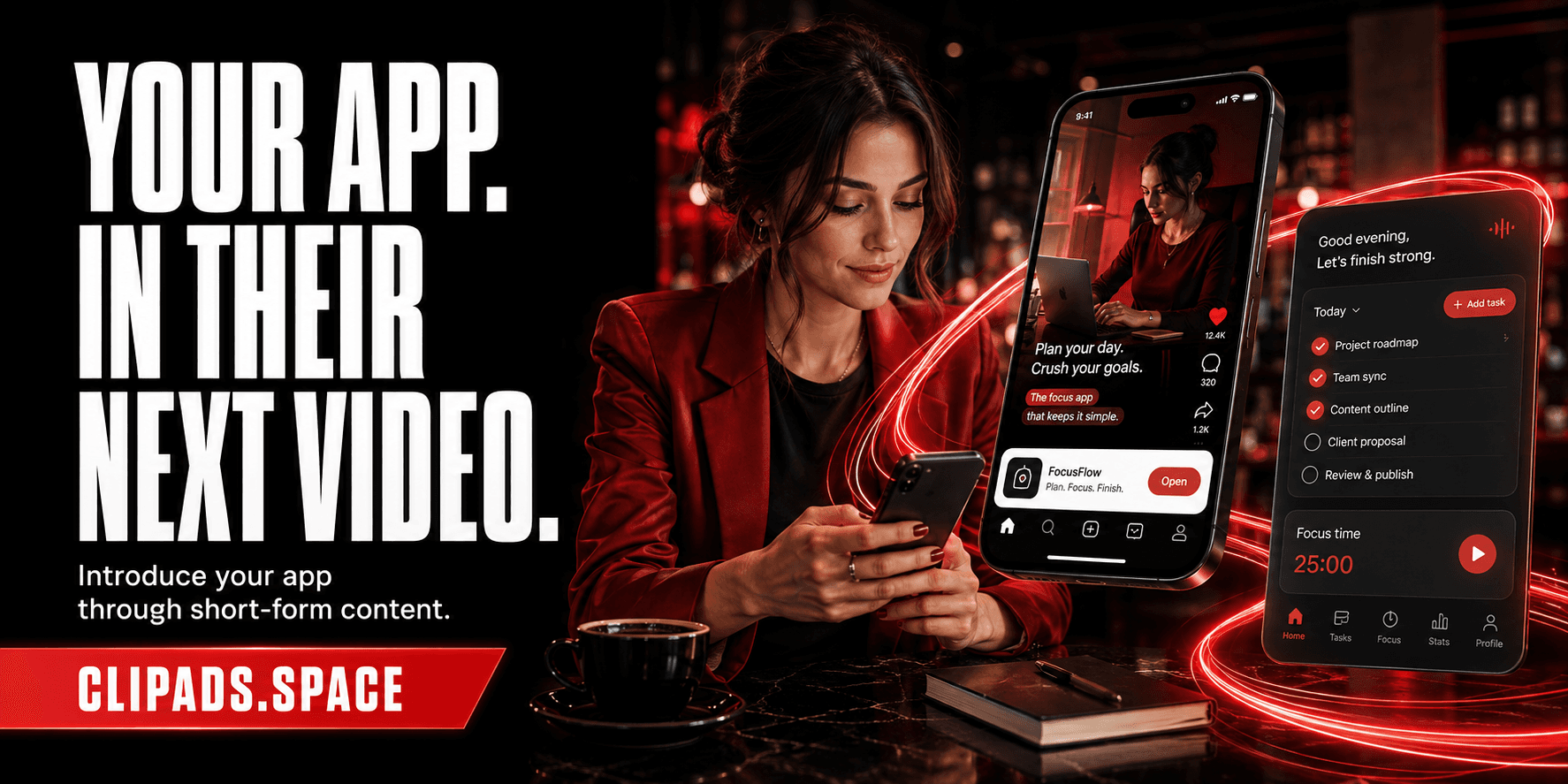
Mobile app promotion
ClipAds helps mobile apps communicate one clear use case, feature, update, or launch through banners inside suitable short-form videos. The app destination, message, platform mix, brand rules, budget range, and reporting fields are agreed before publishing.
Illustrative creative concept. People, products and on-screen metrics are not client results.
Campaigns from $1,000 USD
Get campaign scopeScope, timing and reporting are confirmed after review. Sending a brief does not launch a campaign or authorize a charge.
Campaign fit
How it works
We focus the campaign on a launch, update, feature, use case, or registration outcome.
The banner uses a short benefit, approved app identity, and a clear destination.
Publications and agreed metrics are collected by placement for the advertiser.
Before scoping
Provide the exact destination for each approved market and device context.
Choose the screen, feature, or user problem that should be understood first.
Share age limits, subscription terms, regulated claims, and required store or brand wording.
Evidence and limits
ClipAds does not guarantee app-store ranking, installs, registrations, retention, or revenue from a campaign.
publication links connected to the app campaign
platform, account, date, and creative version
agreed placement metrics and spend records
FAQ
Yes. A release, feature, event, or changed use case can become the focused campaign message.
Market-specific destinations can be included when they are supplied and approved during scoping.
Placement reporting does not automatically equal install attribution. Any supported attribution method must be agreed before launch.
Next step